Graphics
The following media is provided under a CC-BY-SA 4.0 Licence and you may use these on your stream without charge. Attribution can either be provided verbally or in text and does not need to be repeated, the sole reason for this licence is to prevent the content from being resold.
WARBot Banners
The WARBot can have a multipier applied to it during special events, during this time viewers will recieve a multiple of the base amount of LOOT (1,000 LOOT), please choose the appropiate banner for the current muliplier in effect:
- Normal LOOT Rewards
- 3X LOOT Rewards
- 5X LOOT Rewards
- 10X LOOT Rewards
- 15X LOOT Rewards
- 25X LOOT Rewards
- 30X LOOT Rewards
Instructions
- Download the appropiate video and add it into OBS as either a Media Source or VLC Video Source - size and position it as you see fit. Make sure you check Loop or it will only play once.
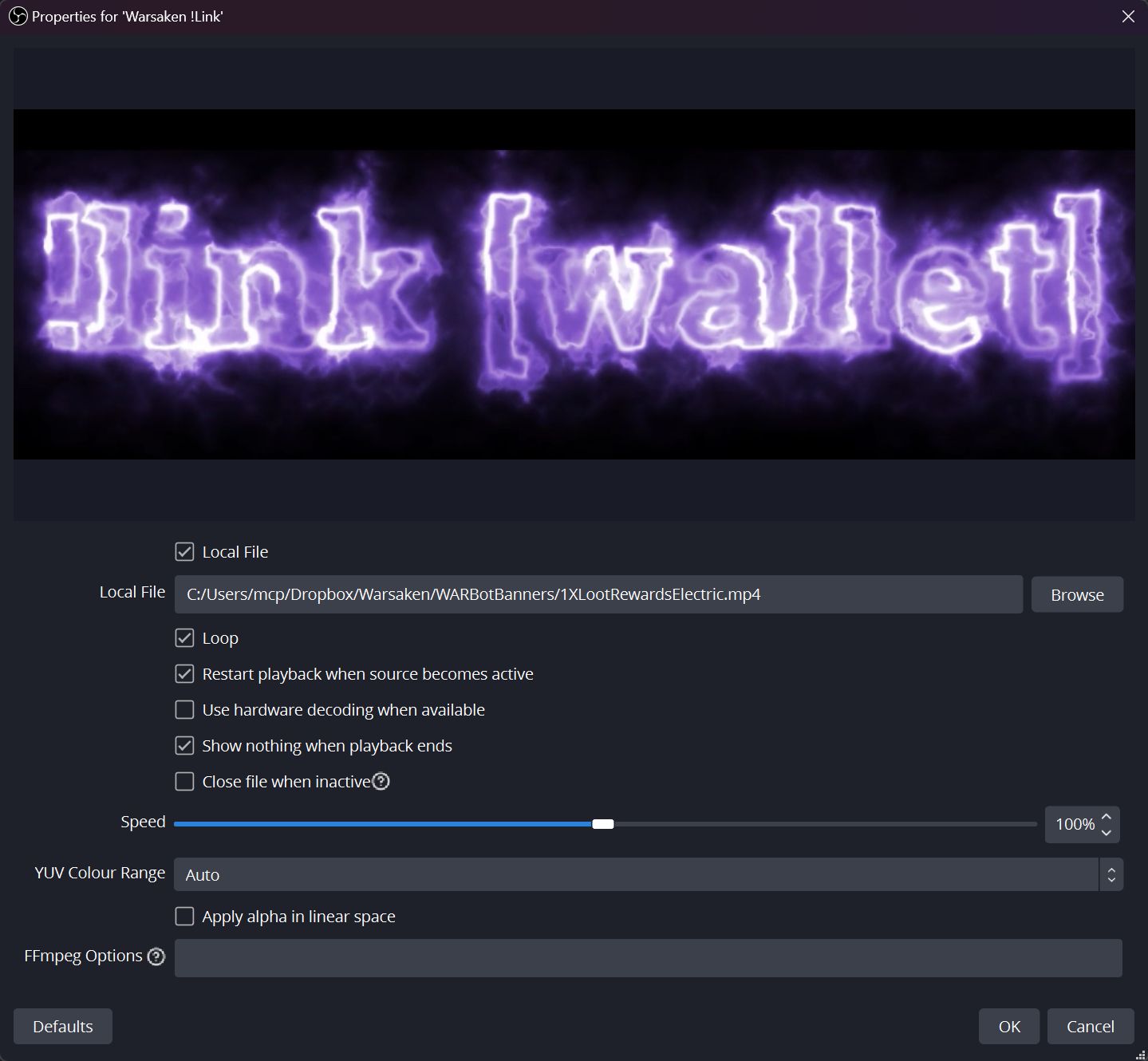
- Optionally, if you want the background to be transparent, you can right click the source select Blending Mode and choose Screen.
- Optionally, if you want different colours then right click the source select Filters and add a Color Correction filter, then use Hue Shift to change the color.
- Optionally, if you use MixItUp, StreamerBot or Aitum you could also use those to dynamically show/hide the OBS source; StreamElements users can add it into their overlay but won’t be able to make the background transparent or use hue shifting.